Outlook: Digital Twinning in Die Casting Lead Times
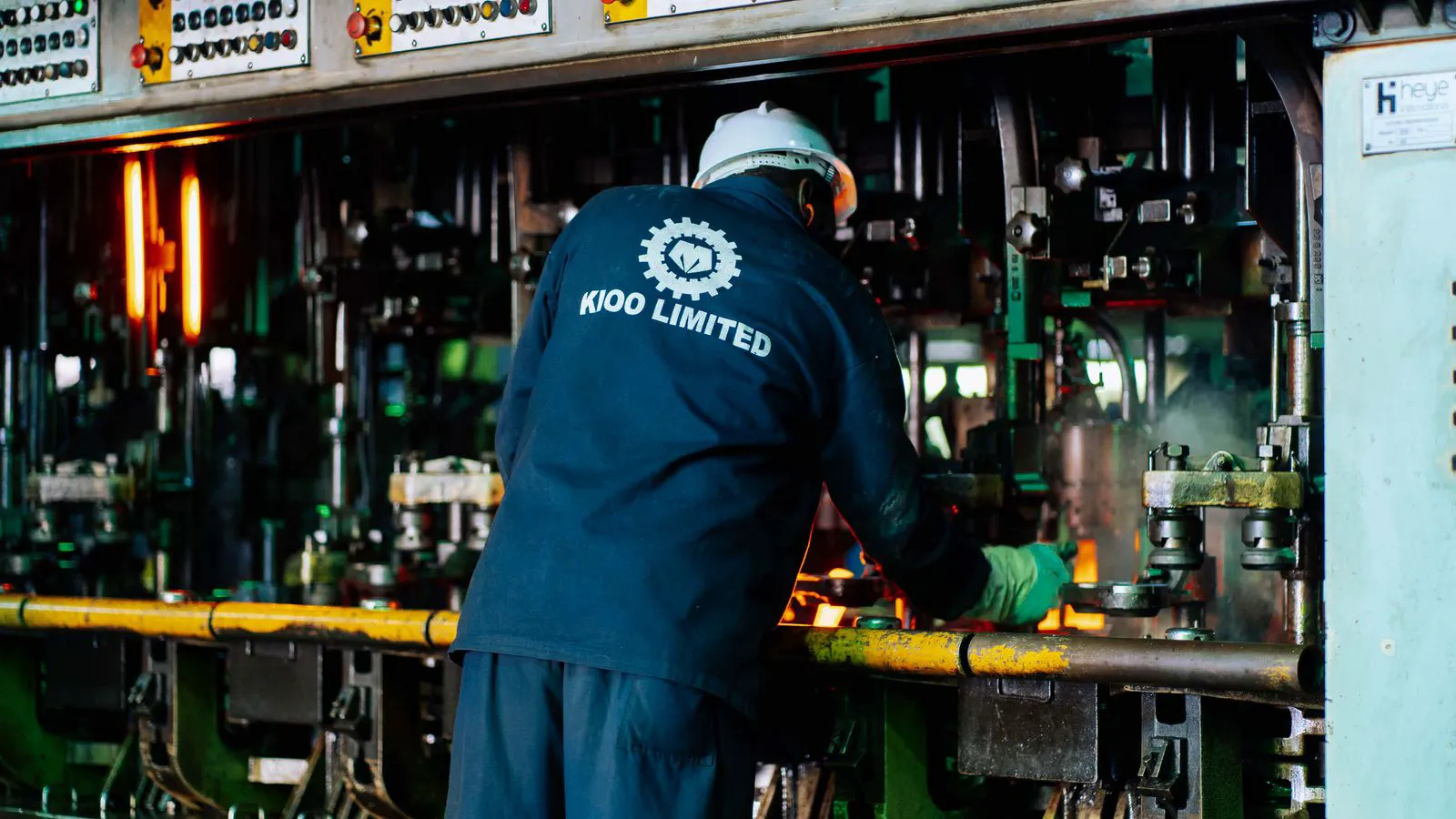
A die casting digital twin allows buyers and engineers to test tooling, cycle times, and quality risks in a virtual environment before steel is cut. This article outlines five planning shifts and preparation steps to align future tooling and production schedules with simulation-driven workflows.
- Digital twins reduce the risk of tooling rework by catching design and process issues in simulation before steel is cut.
- Lead times will shift from single-stage commitments to iterative, simulation-driven cycles that require faster decision gates.
- Tooling vendors that provide simulation-ready models and data will be preferred over those that only deliver CAD files.
- Buyers must integrate simulation outputs into production scheduling to avoid bottlenecks at the start of production.
- The cost of inaction includes longer tooling lead times, higher scrap rates, and missed production windows.
How digital twins change the pre-production phase
Die casting tooling planning has always been a balancing act between design certainty and manufacturing risk. A digital twin changes that balance. Instead of relying on a single set of CAD drawings and a vendor’s experience to predict how a part will perform, engineers can now build a virtual model that mirrors the physical tool, the molten metal, and the production environment.
This does not mean the simulation replaces the tool. It means the tool is designed with a higher degree of confidence. The digital twin allows the team to test filling, venting, cooling, and ejection in a controlled environment. If a gate freezes in the simulation, the team fixes it on the screen. If a vent is too small, the vent is resized before the steel is cut.
For buyers, this shifts the pre-production phase from a linear process to an iterative one. The goal is no longer to get the tool made as fast as possible. The goal is to get the tool made correctly the first time. This changes the conversations you have with tooling vendors, your internal engineering team, and your production planners.
Shift one: from fixed quotes to staged commitments
Traditional tooling quotes often lock in a lead time based on a single set of drawings. If the drawings change after the quote is accepted, the lead time extends. With a die casting digital twin, the process becomes more staged.
The first stage is design review. The vendor or in-house team runs a simulation on the initial geometry. This stage is fast. It might take days, not weeks. The second stage is tooling design. The simulation results feed directly into the tool design. The third stage is steel cutting and machining.
This staged approach means the lead time is no longer a single number. It is a series of shorter, manageable intervals. Each stage has a clear gate. You do not move to the next stage until the previous one is validated. This reduces the risk of a long, unproductive wait at the end of the project.
| Stage | Primary Activity | Typical Duration | Risk Reduced |
|---|---|---|---|
| Simulation Review | Filling, venting, cooling checks | Days | Design errors, poor fill |
| Tool Design | CAD, mold base selection | Weeks | Manufacturing issues |
| Steel Cutting | Machining, polishing | Weeks to Months | Tool quality, dimensional drift |
| Trial Production | First articles, process tuning | Days | Scrap, cycle time variance |
The key benefit is transparency. You can see exactly where time is being spent and why. If the simulation reveals a complex core feature, the tool design stage will be longer. You know that before you sign the contract.
Shift two: tooling vendors must provide simulation-ready data
The value of a digital twin depends on the data behind it. If the tooling vendor only provides a static CAD file, the simulation will be limited. The geometry might be accurate, but the simulation needs more. It needs information about the mold base, the gate locations, the cooling channels, and the material properties.
Buyers should start asking tooling vendors for simulation-ready data. This means the CAD files are organized and tagged correctly. It means the vendor can provide a model of the cooling system, not just a drawing. It means the vendor can export the geometry in a format that simulation software can read without manual cleanup.
This is not a request for a free service. It is a request for better data. Tooling vendors who can provide this data quickly will have a competitive advantage. They will be able to run simulations faster and provide more accurate lead time estimates. They will also be better positioned to catch issues early.
For buyers, this changes the vendor selection process. You are no longer just looking at the price per ton of steel or the cost of the mold base. You are looking at the vendor’s ability to integrate simulation into their workflow. A vendor who can show you a simulation report before the steel is cut is a vendor who values process control.
Shift three: lead time is now a variable, not a constant
In a traditional workflow, lead time is a constant. You send the drawings, the vendor quotes a lead time, and you wait. In a simulation-driven workflow, lead time is a variable. It changes based on the complexity of the part, the number of iterations needed, and the availability of simulation resources.
This requires a different mindset from the buyer. You cannot simply ask, “How long will this take?” You need to ask, “What are the critical path items?” and “Where can we accelerate the process?”
For example, if the part has a thin wall section that is prone to freezing, the simulation stage will be longer. The team will need to test multiple gate configurations. This adds time to the front end of the project. However, it reduces the risk of tooling rework later.
Production planners must be involved in this phase. They need to understand that the lead time is not a fixed block of time. It is a series of tasks with dependencies. If the simulation reveals a change in the cooling system, the tool design must be updated. If the tool design changes, the steel cutting schedule must be adjusted.
This is where the die casting digital twin adds value. It provides a shared view of the process. Everyone is looking at the same model. The engineer, the tooling vendor, and the production planner are working from the same source of truth. This reduces communication errors and delays.
Shift four: production schedules are built on simulation data
Once the tool is made and the first articles are produced, the production schedule is no longer a guess. It is based on the simulation data. The cycle time predicted by the simulation is used to build the production plan. The yield rate predicted by the simulation is used to calculate the required number of shots.
This changes the way production is managed. Instead of reacting to scrap and downtime, the production team can anticipate them. If the simulation predicts that a specific cavity will have a higher scrap rate, the team can schedule extra maintenance or adjust the process parameters before the first article is produced.
For high-volume parts, this is especially valuable. A small improvement in cycle time or yield can add up to significant cost savings over the life of the tool. The digital twin allows the team to optimize these parameters in the virtual environment before they are implemented on the floor.
This also improves the accuracy of lead time estimates for production runs. When you know the cycle time and yield rate, you can calculate the number of parts per day with greater confidence. This allows for more accurate delivery dates and better inventory planning.
Shift five: the role of the engineer changes
The engineer’s role shifts from being a designer of parts to being a manager of the simulation process. They are no longer just creating geometry. They are defining the simulation parameters, interpreting the results, and making decisions based on the data.
This requires new skills. Engineers need to understand the basics of fluid dynamics and heat transfer. They need to know how to set up a simulation and how to read the output. They need to be able to distinguish between a significant issue and a minor artifact.
This is not a one-time training event. It is an ongoing development process. As simulation software improves, the skills required will evolve. Engineers who stay current with the technology will be able to make better decisions and reduce the risk of errors.
For buyers, this means you should invest in training your internal team. Even if you outsource the simulation to a vendor, you need to have the internal capability to understand and validate the results. You cannot rely on a black box. You need to know what the simulation is telling you and why.
How to prepare for this transition
Preparing for a simulation-driven workflow is not a single action. It is a series of steps that you can take now.
- Audit your current tooling data. Check if your CAD files are organized and tagged. If not, work with your vendors to improve the data quality.
- Identify high-risk parts. Start with parts that have a history of tooling issues or high scrap rates. These are the best candidates for simulation.
- Update your vendor evaluation criteria. Add simulation capability to your RFPs and vendor scorecards. Ask vendors to demonstrate their simulation workflow.
- Train your internal team. Provide training on simulation basics and how to interpret the results. Even a few hours of training can make a significant difference.
- Integrate simulation with production planning. Work with your production team to use simulation data in their scheduling. This will help you build more accurate production plans.
These steps do not require a large investment. They require a change in mindset. You are moving from a process that relies on experience and hope to a process that relies on data and validation.
What to expect in the near term
The transition to digital twins is not instantaneous. It will take time for all parties to adopt the new workflows. Tooling vendors will need to invest in software and training. Buyers will need to update their processes and expectations.
However, the direction is clear. The value of simulation in die casting is growing. More and more vendors are offering it as part of their standard service. More and more buyers are expecting it.
In the near term, you will see a mix of workflows. Some projects will still follow the traditional process. Others will use simulation from the start. Over time, simulation will become the standard. The projects that do not use it will face higher risks and longer lead times.
The key is to be ready. By taking the steps outlined above, you can position your organization to take advantage of this technology. You can reduce the risk of tooling failures, improve your production schedules, and achieve more predictable lead times.
The die casting digital twin is not a magic solution. It is a tool that requires skill and integration to be effective. But when used correctly, it is one of the most powerful tools available for improving the efficiency and reliability of die casting operations.
Frequently asked questions
Does a die casting digital twin replace the need for first articles?
No. The simulation predicts performance, but it does not guarantee it. First articles are still required to validate the tool and the process. The simulation reduces the risk, but it does not eliminate the need for physical verification.
How long does a simulation take?
It depends on the complexity of the part and the number of iterations needed. A basic filling simulation might take hours. A full process simulation with multiple iterations might take days. The key is to define the scope of the simulation before starting.
Do I need to buy the simulation software myself?
Not necessarily. Many tooling vendors offer simulation as part of their service. You can also use third-party simulation services. The key is to have access to the simulation results and the data behind them.
How does a digital twin affect the cost of tooling?
It can reduce the overall cost by avoiding tooling rework and reducing scrap. The initial cost of the simulation may be higher, but the savings from avoiding failures are usually greater. The exact cost depends on the part and the process.
Is simulation only useful for complex parts?
No. It is useful for any part where the performance is critical. For simple parts, the simulation may be quick and cheap. For complex parts, it can save significant time and money. The value depends on the risk of failure.